designs · 2018
Temporal Event Annotator App
The Temporal Event Annotator (TEA) app is an instantiation from the TEA App Framework called TEA Fabric designed to capture temporal event annotations quickly, efficiently, and reliably.
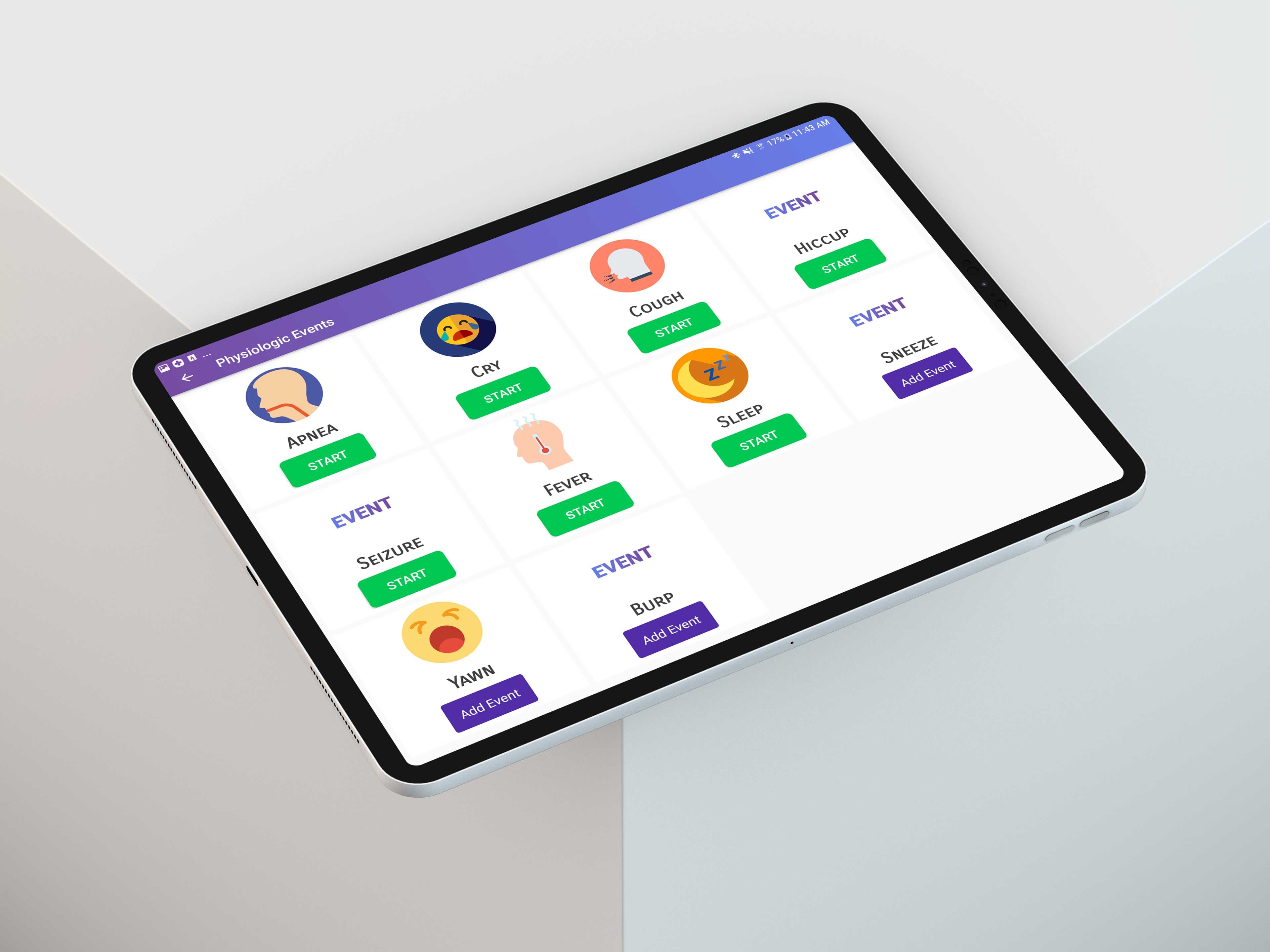
TEA Fabric app main view
The Approach
TEA Fabric supports the development of custom forms to capture metadata alongside captured events. These custom forms follow the TEA design system to present a seamless and coherent user experience, ensuring data quality and researcher confidence.
Key Takeaways
01
Custom Annotation Views
TEA Fabric enables the integration of custom event annotation layouts to capture specific types of temporal events. The app's modular view system allows clinical researchers to define the exact annotation interface needed for their study without engineering a new application from scratch.
02
Seamless Form Integration
TEA Fabric supports the development of custom forms to capture metadata alongside captured events. These custom forms follow the TEA design system to present a seamless and coherent user experience, ensuring data quality and researcher confidence.
03
Design Outcomes
The app achieved a System Usability Scale score of 1.92/5 (where 1 is ideal UX), reflecting its highly intuitive interface. Designed in Adobe XD and implemented in Android Studio, the TEA Fabric app was deployed in three clinical studies and recognized with multiple awards.
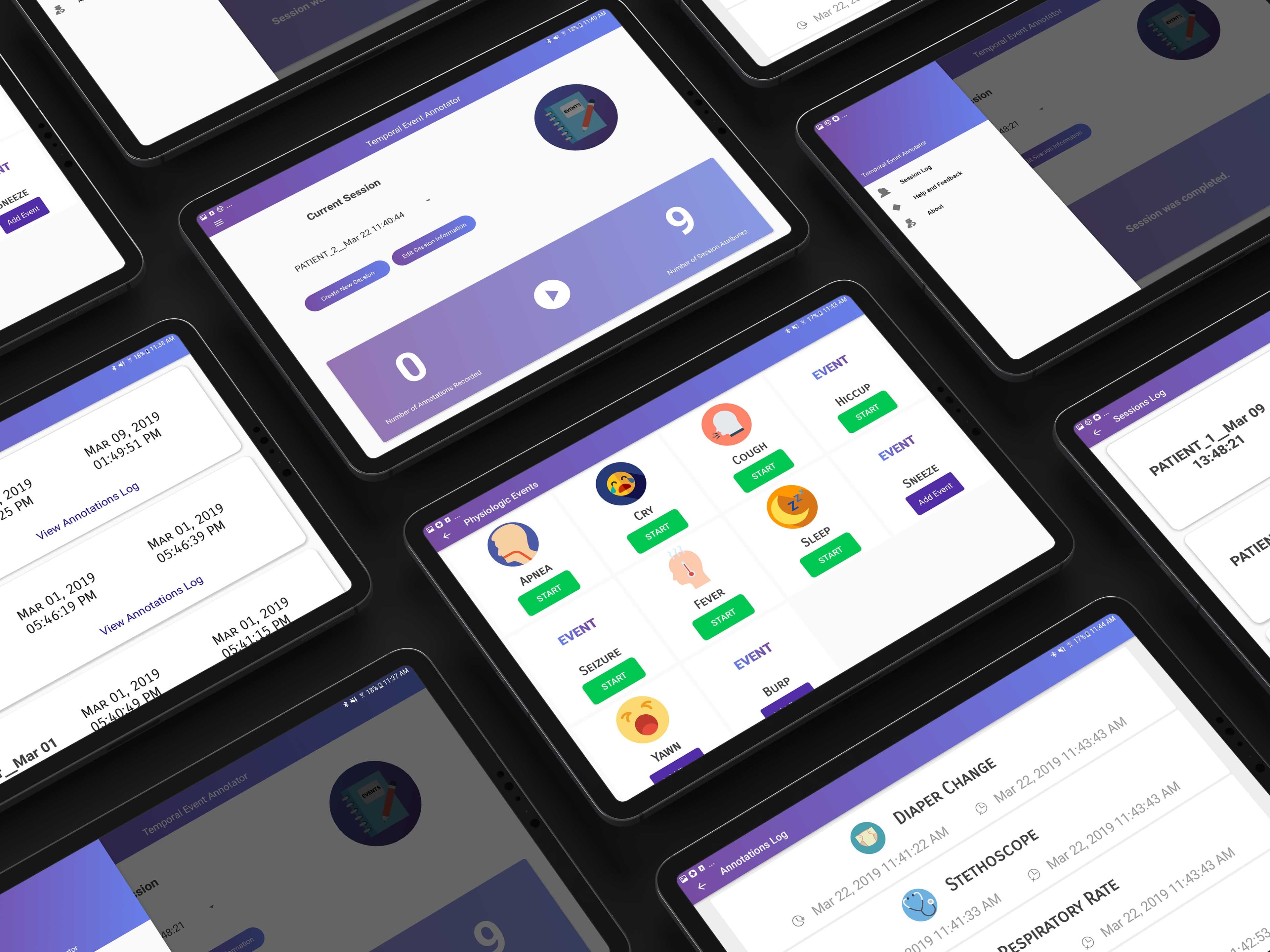
TEA Fabric multiple annotation views
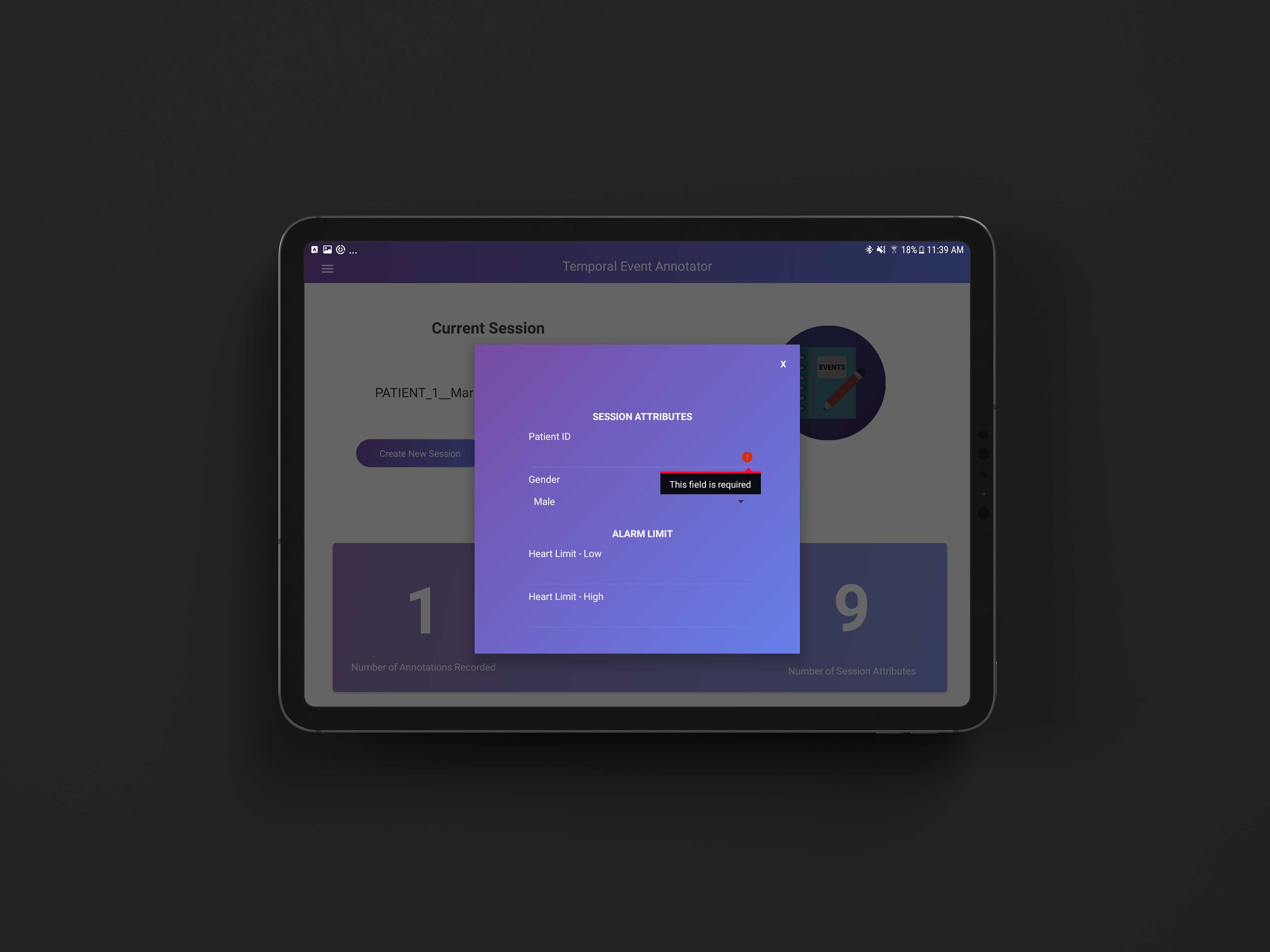
TEA Fabric custom form integration
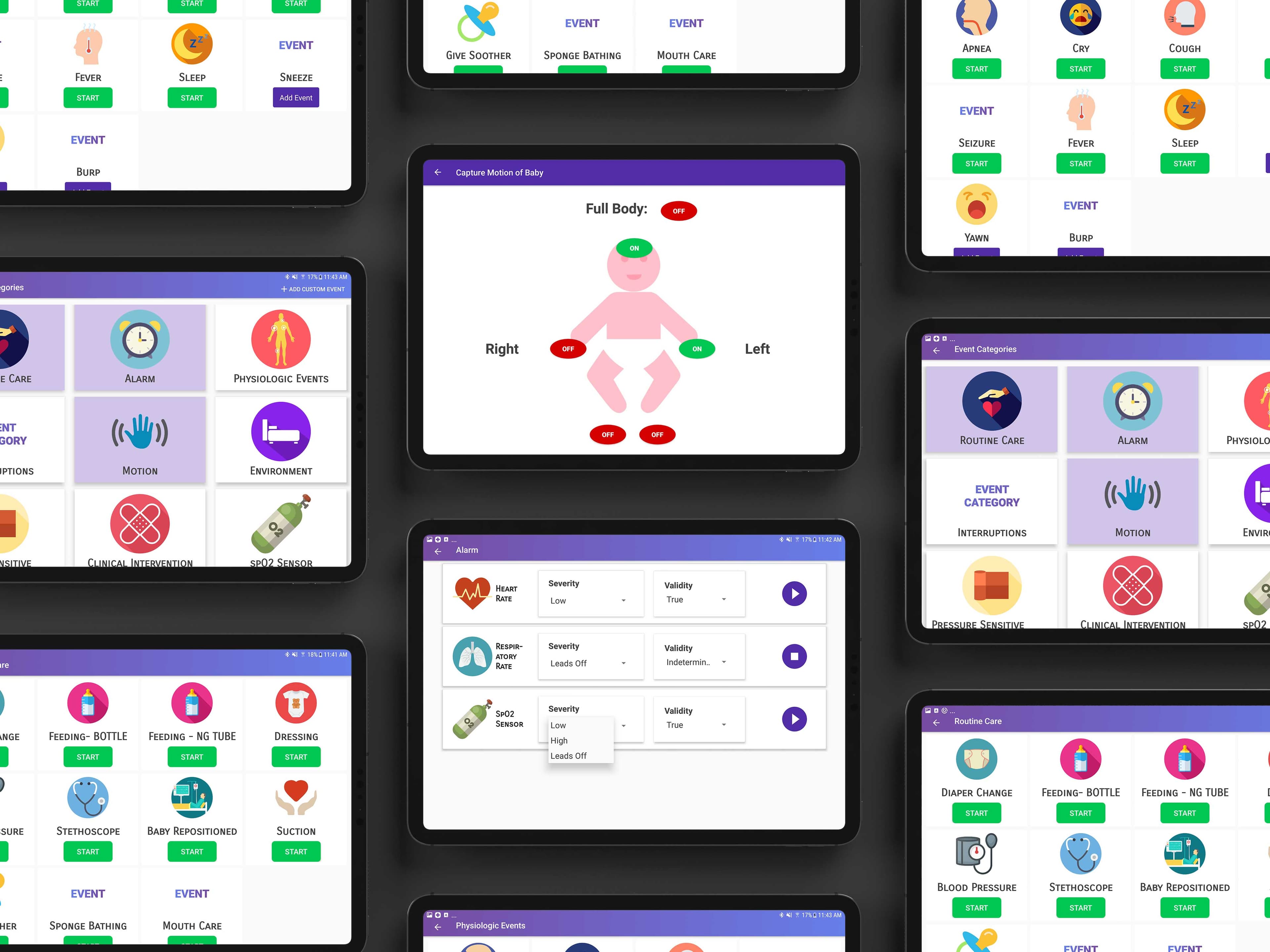
TEA Fabric annotation interface views
Techniques
- ✓User Interface Design
- ✓User Experience Design
- ✓Android Application Development
Technologies
- ✓Adobe XD
- ✓Android Studio
- ✓Adobe Illustrator
- ✓Adobe Photoshop